PricingCreators
Get started ↗Sign in
Sign inGet started ↗Sign up with Google
  • Getting Started
  • Campaigns
    • How to Make a Campaign
    • How to Make a Slideshow Playbook
    • How to Make a UGC Playbook
    • Slideshow Content Ideas
    • UGC Content Ideas
    • How to Give Premium App Access to Creators
  • Understanding Your Metrics
  • App Store Integrations
  • Ad Integrations
  • Reporting API
  • Connect an AI Client (MCP)
  • Team & Roles

Made with ❤️ in United StatesUnited States and HondurasHonduras
Sign in →

© Copyright 2026 Noise. All Rights Reserved.

The Noise platform
  • Free to get started
  • Creator marketplace
  • Creator management
  • Organic-to-paid ads
  • Campaign analytics
  • Noise Agent MCP
Noise Agent
  • Noise Agent MCP
  • Connect your AI platform
  • Documentation
Resources
  • How it works
  • Pricing
  • Documentation
  • FAQ
  • Podcasts
  • For AI (llms.txt)
Noise
  • Talk to Noise
  • Get started
  • Terms of Service
  • Privacy Policy
  • Advertiser Disclosure

UGC Content Ideas

UGC formats and hooks that perform well on Noise.

Four UGC video formats that consistently perform on Noise, each with real examples and a look at how the post is put together. Use them as the basis for your playbook instructions; when you are ready to build, follow How to Make a UGC Playbook.

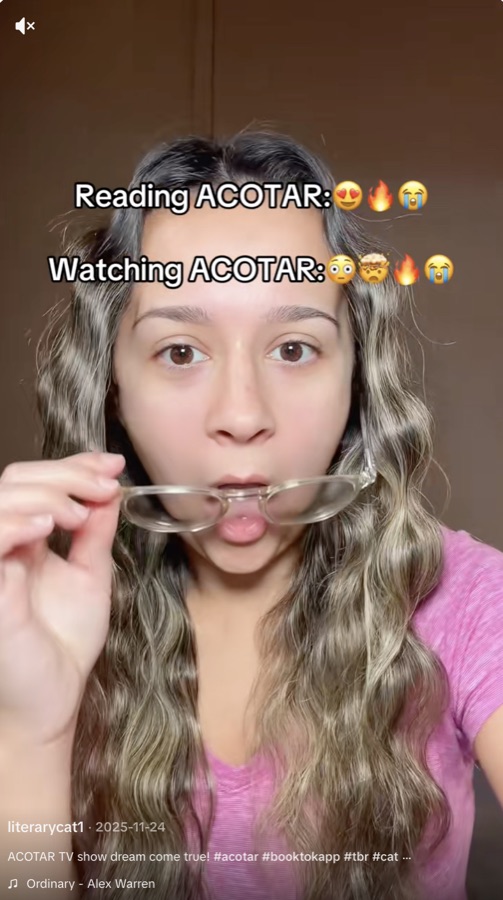
Hook + Demo

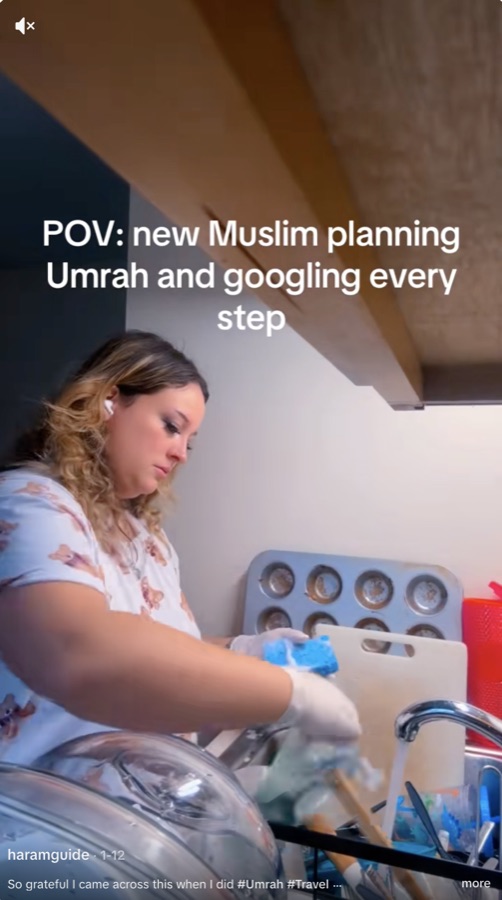
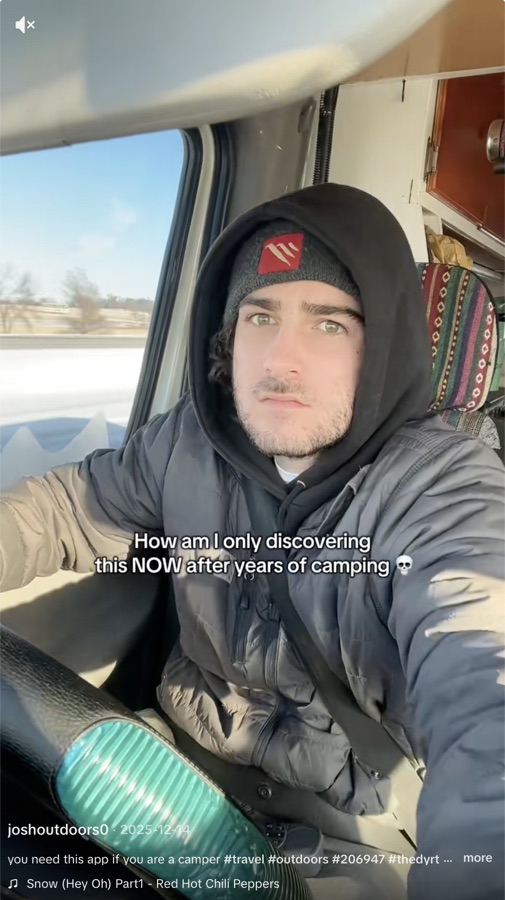
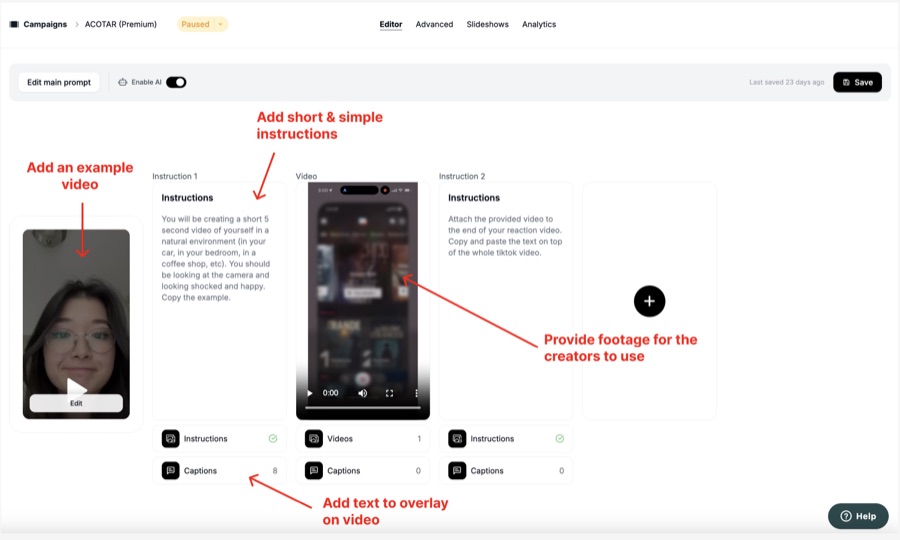
Ask creators to film a short 3 to 5 second video of themselves reacting to the camera, with overlay text you provide. Then give creators footage of your app (or access through a free TestFlight) and have them flip the camera to show the app in use, again with your overlay text promoting the app.
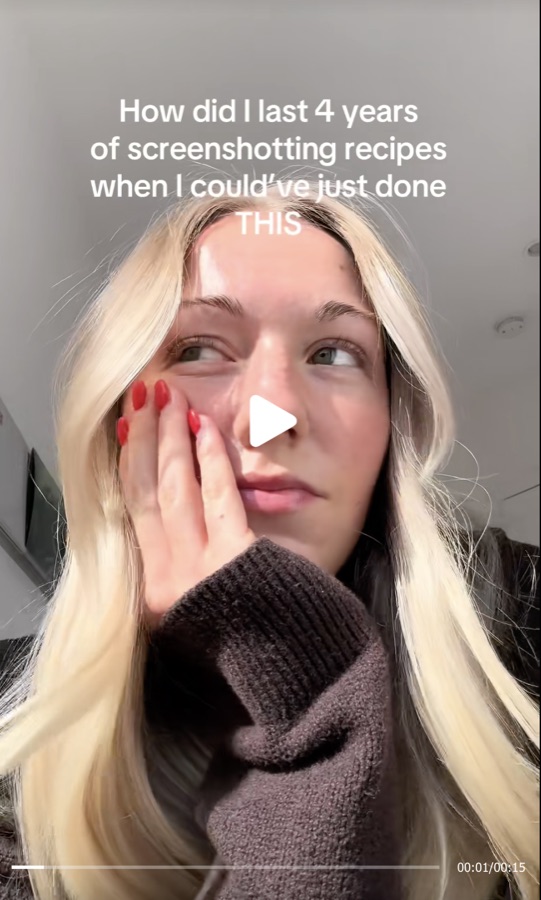
  • Food scanner app - watch
  • Book app - watch
  • Religious app - watch
  • Camping app - watch

Hook and demo: food scanner app Hook and demo: book app Hook and demo: religious app Hook and demo: camping app

How it's made:

How a hook and demo playbook is structured

Text over B-Roll

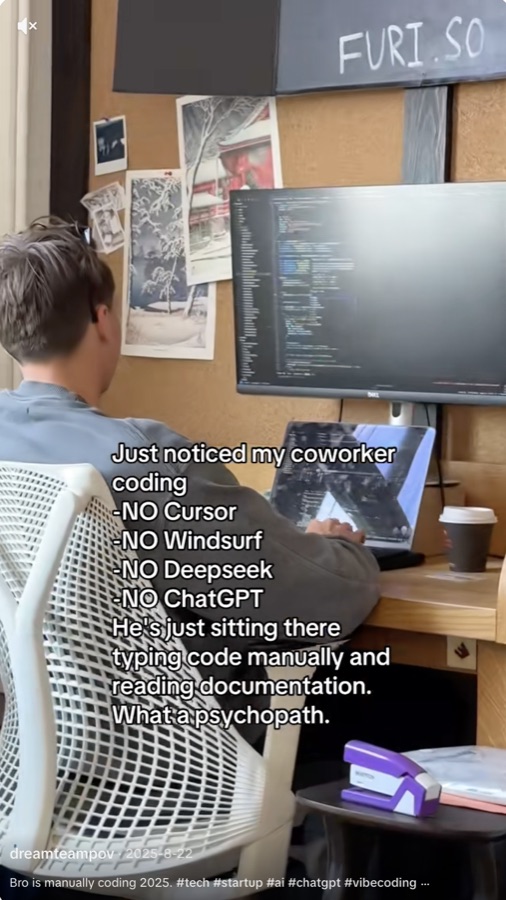
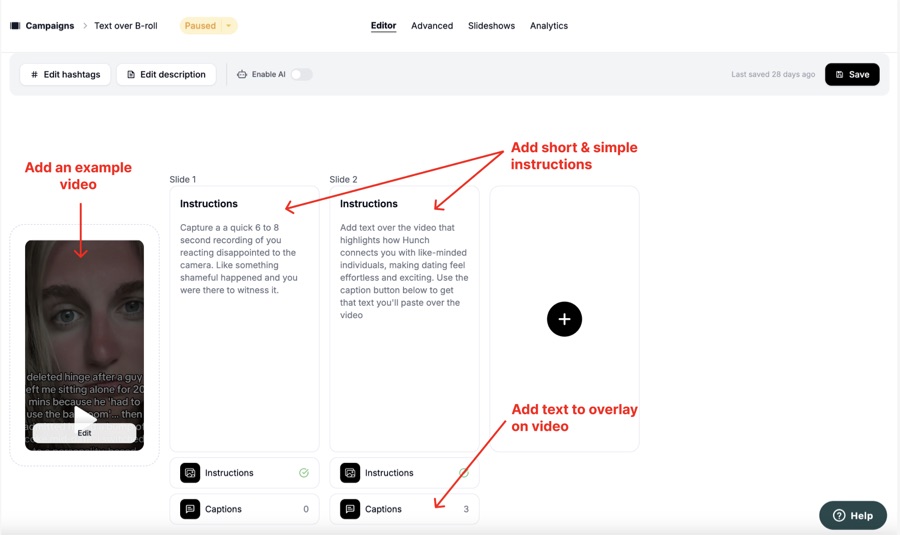
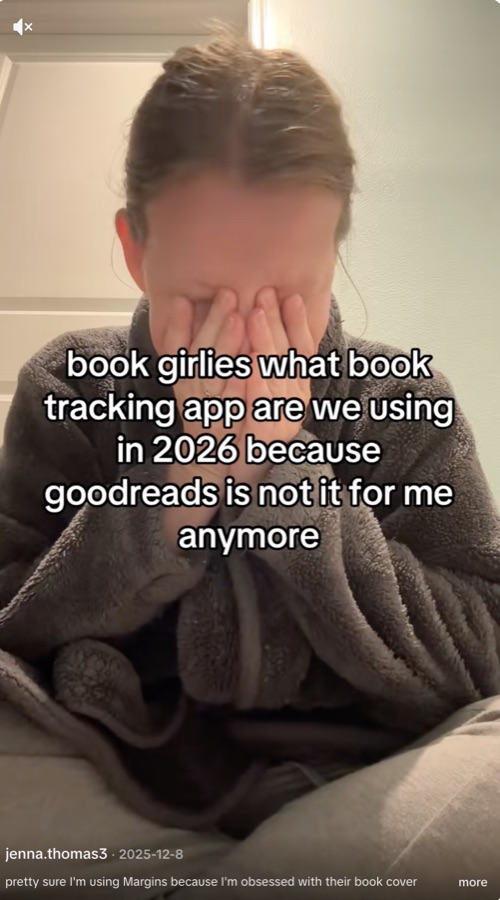
Instruct the creator to film themselves performing a task or making a specific expression, then provide a block of text for them to overlay on their video.
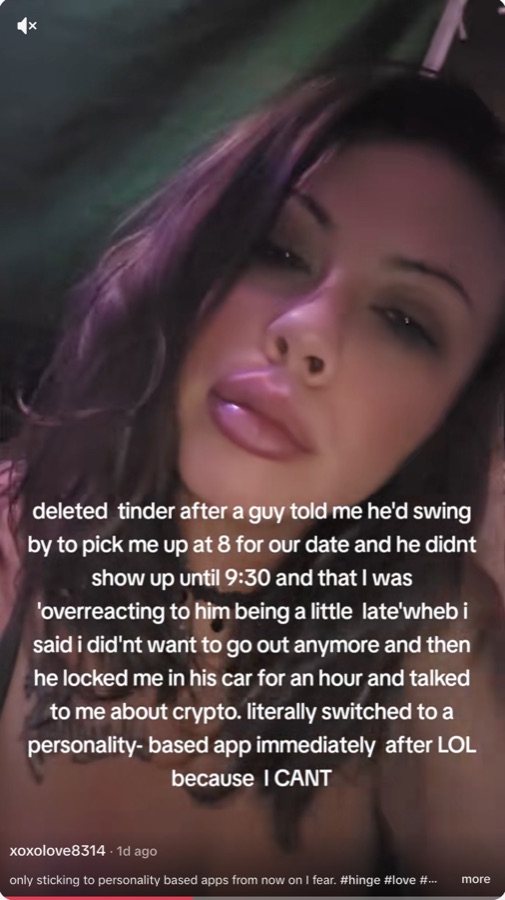
  • Dating app - watch
  • Book app - watch
  • AI product - watch

Text over B-roll: dating app Text over B-roll: book app Text over B-roll: AI product

How it's made:

How a text over B-roll playbook is structured

Talking Head

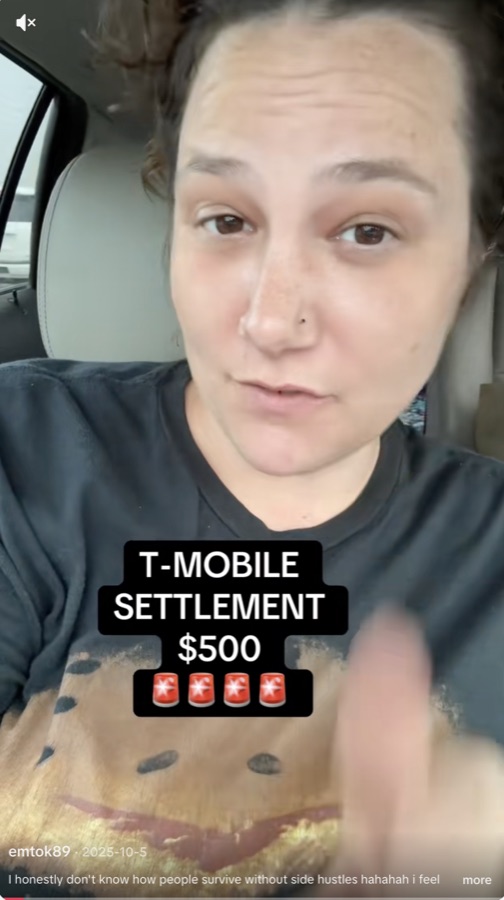
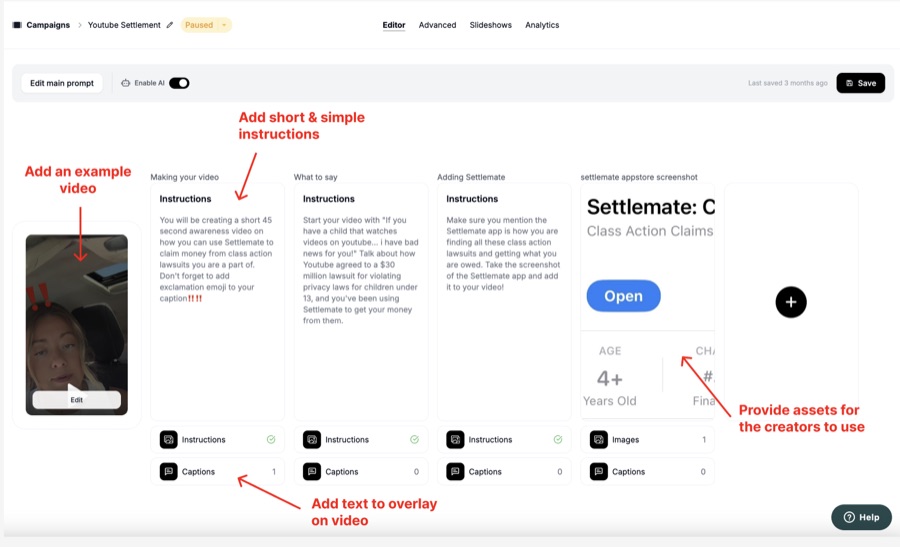
The creator talks to the camera about your product. This format depends heavily on guidance: give creators as much direction as you can about the points to hit.

  • Settlement app - watch

Talking head: settlement app

How it's made:

How a talking head playbook is structured

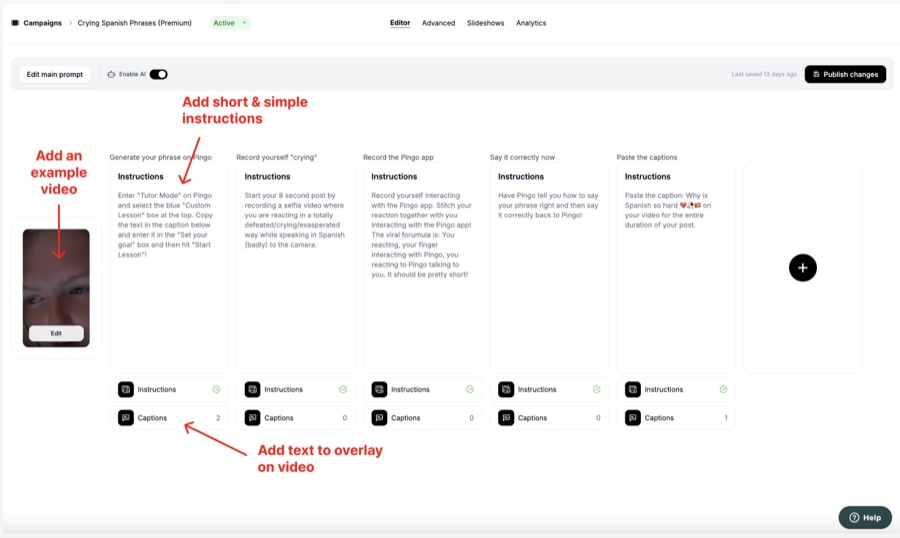
Crying

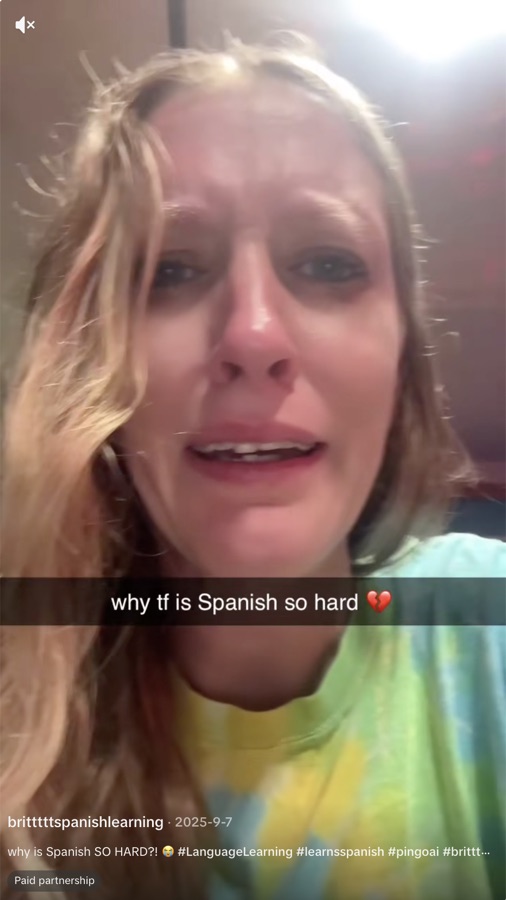
Ask the creator to film themselves crying. This format works best when paired with something "controversial": in the example below, the creator purposely mispronounces a word to sound like an innuendo, and the app responds in a surprising way. It is most effective when you provide TestFlight access so the app can interact with the creator on camera.

  • Language app - watch

Crying format: language app

How it's made:

How a crying-format playbook is structured

  1. Hook + Demo
    1. Text over B-Roll
    2. Talking Head
    3. Crying